

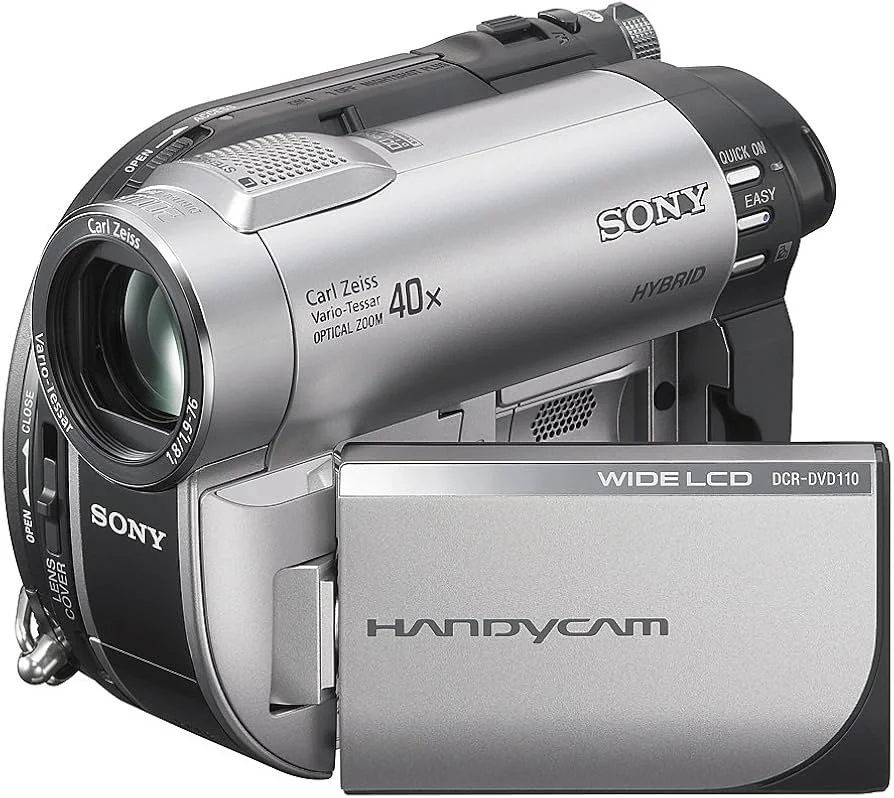
READ AND DOWNLOAD YOUR VINTAGE HANDY CAM VIDEOS
*
READ AND DOWNLOAD YOUR VINTAGE HANDY CAM VIDEOS *
INSTRUCTIONS
A)
1. Choose your MPG files
2. Click on “Choose files”
3. Click “Convert”
4. “Save” to download them
B)
1. Connect your Handy Cam with a usb to your computer
2. Click on “Choose the Video TS Folder”
3. From your PC select usually “DVD Drive E”
4. Click “Convert”
5. “Save” to download themWhile file converting works from any platform, direct computer connection may only work on a Windows 11 setting.
Use the right bar to keep scrolling